
Are you experiencing issues with your Starlink dish not moving as it should?
In this article, we will explore common reasons why your Starlink dish may be stationary and provide you with practical solutions to fix this problem
How to Fix starlink dish not moving?
To resolve the issue of the dish on Starlink, you should make sure that the device is properly connected to the power source and try removing any obstruction near the dish.
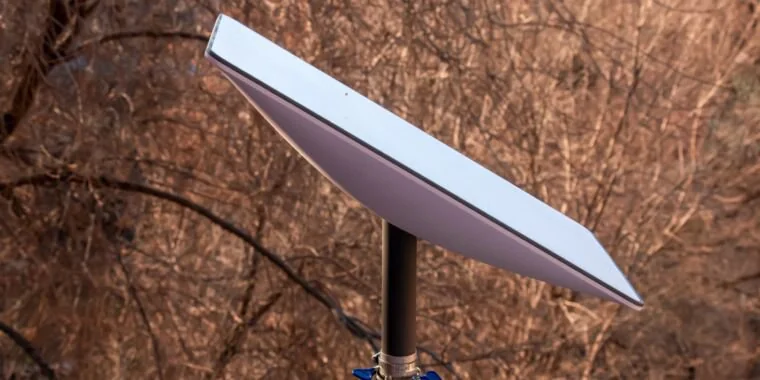
Down below, we have discussed the solution in step-by-step detail.
1. Check Power Supply
Make sure that the dish is receiving power. If the dish does not move from the stowed position, it might not be getting power for some reason.
Check to be sure the cable connectors are fully connected and that there are no issues with the power supply or the outlet.
2. Remove Obstructions
It is important to remove any physical obstructions that may be blocking its movement.
These obstructions could be anything from tree branches and leaves to accumulated snow, which can prevent the motors from adjusting the dish to its optimal position.
3. Restart The Device
Restarting an electronic device can often fix glitches by refreshing its internal state.
If you’re experiencing issues with your Starlink dish’s motors, powering it off and turning it back on can help reset any temporary software problems that might be causing the malfunction.
This simple action can frequently restore normal movement to the dish.
4. Inspect for Damage
Carefully inspect the Starlink dish and its components for any signs of physical damage, such as dents, cracks, or loose connections that could impede its movement.
Damage to the motors or the structure of the dish itself can prevent it from aligning properly with the satellite network.
5. Extreme Weather Conditions
Monitoring and responding to extreme weather conditions is crucial, as they can impede the Starlink dish’s functionality by freezing its components or causing misalignment due to high winds or debris.
By proactively clearing the dish of snow, ice, or other weather-induced obstructions, you can prevent these conditions from affecting the dish’s ability to move and track satellites.
6. Perform a Reset
Resetting the Starlink dish to its factory settings can help resolve more complex software issues that a simple restart doesn’t fix.
This process will erase any temporary data that could be causing the problem, allowing the dish to recalibrate and potentially correct any movement issues.
To perform a factory reset on the Starlink router:
- The router to view the bottom side.
- Use a paper clip or small screwdriver to press the reset button.
- Wait for the router to reboot and connect to the new STARLINK Wifi network.
6. Contact Starlink Support
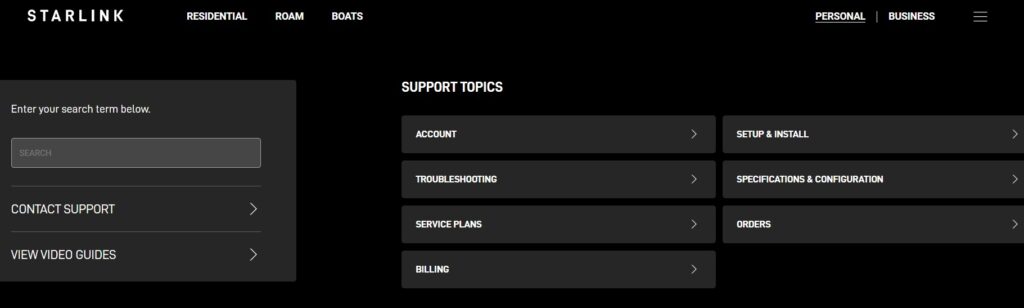
If the dish still isn’t moving after performing all other troubleshooting steps, reaching out to Starlink Customer Support is the next recommended action.
They can provide specialized assistance, potentially identifying hardware faults or deeper software issues that aren’t resolvable on the user end.
