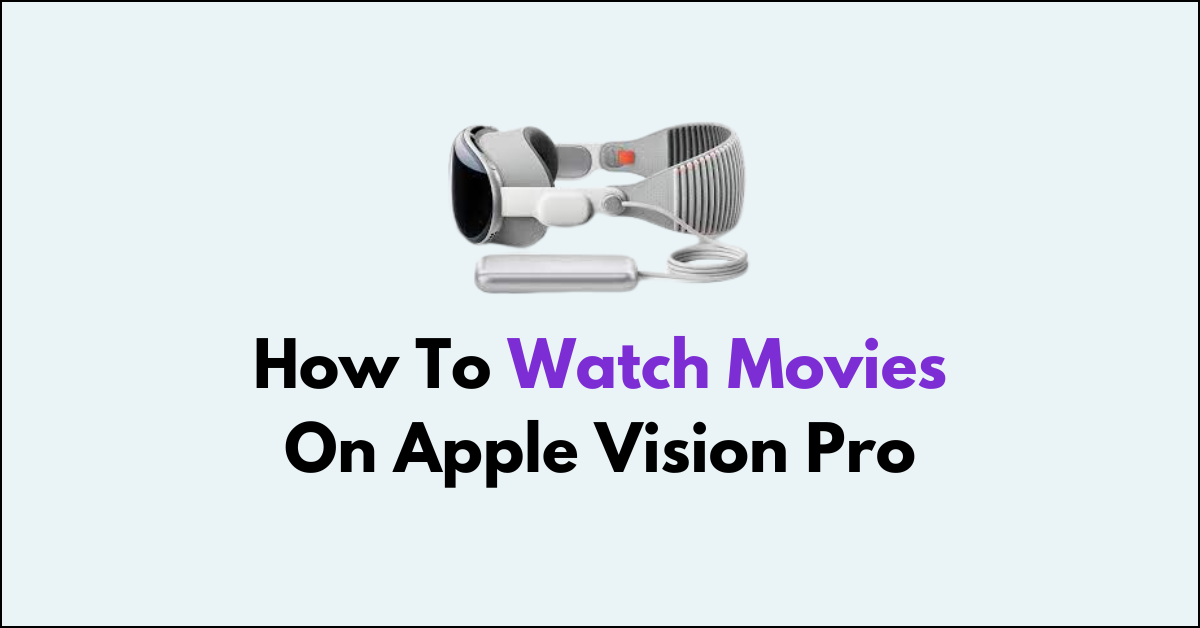
Are you ready to elevate your movie-watching experience on your Vision Pro?
Watching movies on your Vision Pro can be a truly immersive and enjoyable experience, thanks to its advanced display and audio capabilities.
In this article, we will guide you through the steps to make the most of watching movies on your Vision Pro.
How to watch movies on Apple Vision Pro?
To watch movies on Vision Pro: Turn on your Apple Vision Pro, navigate to the Apple TV app, select a movie, and choose to stream or download to enjoy watching.

Down below, we have discussed this in step-by-step detail.
Step 1: Power Up Your Apple Vision Pro
Begin by turning on your Apple Vision Pro headset.
Step 2: Navigate to Apple TV
Once your headset is on, locate and select the Apple TV app from the main menu.
Step 3: Browse or Search for Movies
Inside the Apple TV app, you can browse through the recommended movies or search for your preferred titles using the search function.
Step 4: Select Your Movie
Once you find a movie you’re interested in, select it to go to its details page.
Step 5: Choose to Watch or Download
From the movie’s details page, you can choose to either stream the movie immediately or download it to watch later.
Step 6: Enjoy Your Movie
After making your selection, sit back and enjoy the movie. You can watch it in full VR immersion, enhancing your viewing experience.
