
Meta Business Suite is a powerful tool for businesses to manage their social media presence, and sending invitations is a key feature of the platform. However, if you are receiving an error message that says “Unable to send invitation,” it can be frustrating and prevent you from adding new team members or collaborators to your account.
In this article, we will explore the steps you can take to fix “Unable to Send Invitation” on Meta Business Suite.
How to Fix “Unable to Send Invitation” on Meta Business Suite?
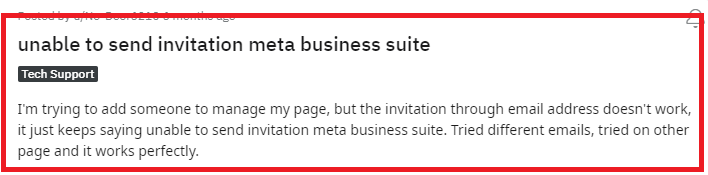
By checking your permissions, verifying email addresses, checking your internet connection, and verifying your account, you can successfully send invitations and continue to use Meta Business Suite to manage your online presence.
1. Check Your Permissions
Make sure you have the necessary permissions to send invitations. If you are not an admin or have limited permissions, you may not be able to send invitations.
2. Verify the Email Address
Double-check the email address you are sending the invitation to. Make sure there are no typos or errors in the email address.
3. Check Your Internet Connection
Ensure that you have a stable internet connection. A weak or unstable connection may prevent the invitation from being sent. You can do a router reset if your Wifi signal is having issues.
Switch off the router and unplug it. Wait for a few seconds and then plug it in again and turn it on. You can also switch to a data connection if you have been using the wifi and vice versa.
4. Verify Your Account
Make sure your Meta Business Suite account is verified. To do this, go to the “Settings” menu and click on “Verify Your Account.” Follow the instructions to verify your account.
5. Contact Support of Meta Business Suite

If none of the above steps work, contact Meta Business Suite support for further assistance. Explain the issue you are experiencing and provide any relevant details, such as error messages or screenshots.
